Context Windows: Why Long Documents Break Local LLMs
A local model can only read as many tokens as its context window holds, and default settings often cut the rest without warning. Here is the arithmetic, the memory cost and three workarounds.
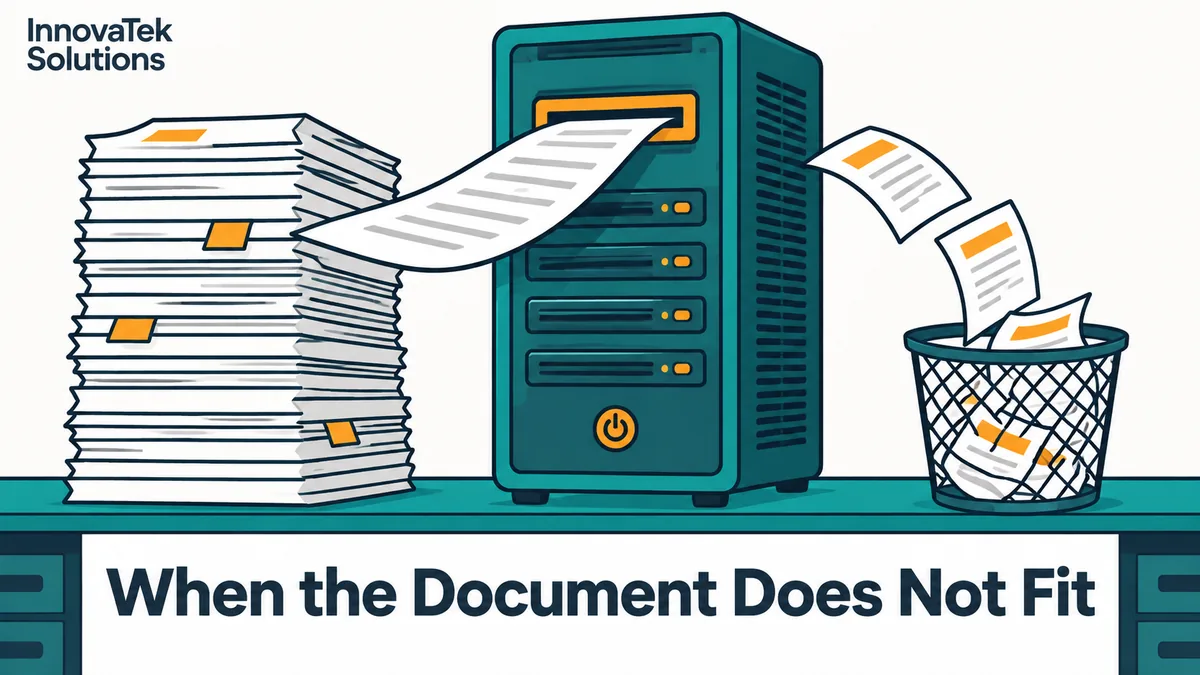
A 40-page contract runs to about 20,000 words. At roughly 0.75 English words per token, that is 20,000 / 0.75 = about 26,700 tokens. Ollama, as of October 2026, gives a model a 4,096-token context on any machine with less than 24 GiB of VRAM. So the model sees about 15 percent of the contract, answers confidently, and the HTTP response looks perfectly normal. That gap between what was sent and what was read is the whole reason to understand the LLM context window, explained here in terms of tokens, memory and the settings that decide what gets dropped.
Tokens, not pages
A model does not read characters or words. It reads tokens, which are fragments of text produced by its tokenizer. OpenAI's published rule of thumb for English is that one token is about four characters, or about three quarters of a word, so 100 tokens is about 75 words. Other model families use different tokenizers and the ratio shifts a little, but for planning purposes it holds well enough.
The ratio gets worse for non-English text, tables, part numbers, code and JSON, which all break into many short tokens.
The context window is a single budget that has to hold everything at once: the system prompt, any earlier turns of the conversation, the document, the question, and the answer the model is about to write. If you ask for a 1,000-token summary, those 1,000 tokens come out of the same budget.
A rough conversion table, assuming a dense page of about 500 words:
| Context setting | Words (x 0.75) | Pages at 500 words |
|---|---|---|
| 4,096 tokens | about 3,070 | about 6 |
| 32,768 tokens | about 24,600 | about 49 |
| 131,072 tokens | about 98,300 | about 197 |
Subtract the prompt and the answer from those ceilings. A 4k context fits an email thread, not a policy manual.
What a long context costs in memory
The model weights take a fixed amount of GPU memory. The context takes more on top, in the form of the KV cache: for every token in the window, each layer stores a key and a value vector so the model does not have to recompute them. The cache is sized for the full window when the model loads, whether or not you fill it. A 4k chat and a 128k contract job on the same server pay for the window that was configured, not the one that was used.
The per-token formula is worked through in how much VRAM a model needs. For Qwen2.5-32B-Instruct (64 layers, 8 key-value heads, head dimension 128, per its config.json) it comes to 262,144 bytes, or 0.25 MiB per token at the default 16-bit cache. Multiply by the window:
| Context | KV cache at f16 |
|---|---|
| 4,096 tokens | 1 GiB |
| 32,768 tokens | 8 GiB |
| 131,072 tokens | 32 GiB |
The weights of that model at around 4.9 bits per weight already take close to 20 GB. A 32k context pushes the total past what a 24 GB card holds. A 128k context needs a second card or a much smaller model. Serving several users at once multiplies the cache again, because each parallel request gets its own share.
Two details change the numbers. A quantized cache shrinks them: the Ollama FAQ puts q8_0 at about half the memory of f16 and q4_0 at about a quarter, with flash attention enabled. And the advertised maximum is not always the default. The Qwen2.5-32B model card lists a full context of 131,072 tokens, but its shipped config is set for 32,768, and longer inputs need YaRN scaling switched on, which the card advises only when long contexts are actually required.
Silent truncation: what the defaults do
When a request is longer than the window, the runtime has three options: refuse it, cut it, or let the model work on a partial input and hope. Which one you get depends on the software and its version.
Ollama
The context length page states the October 2026 defaults by available VRAM: 4k context below 24 GiB, 32k from 24 to 48 GiB, and 256k at 48 GiB and above. The setting can be changed in the app, with OLLAMA_CONTEXT_LENGTH on the server, or per request with num_ctx in the options.
What happens on overflow is visible in the source. For chat requests, truncate defaults to true when the client does not set it. The prompt builder then removes messages from the front of the conversation until the rest fits, always keeping system messages and the latest message. If a single long prompt still does not fit and context shift is on, the runner keeps a few tokens from the start and discards a block after them, then logs a warning that begins truncating input prompt. The warning goes to the server log. The client gets a normal answer.
In practice, a long document pasted into one message can lose a large early section, and a document sent as an earlier message can be the message that gets dropped.
llama.cpp server
The llama-server README gives --ctx-size a default of 0, meaning the length is read from the model file, and lists context shift as disabled by default. With shift off, a request that does not fit its slot is rejected with an HTTP 400 and a message that the request exceeds the available context size. That is the better failure: loud, and in the client's logs. The catch is the slot. With the default unified cache, several long conversations compete for one pool; with a split cache, each slot gets only its share of --ctx-size, a trade-off the llama.cpp server guide lays out. Front ends can add their own limits, so the effective window is the smallest one in the chain.
How to tell whether a document was cut
Three checks catch most cases:
- Ask the runtime. In Ollama,
ollama psshows the allocated context in itsCONTEXTcolumn and whether the model spilled to the CPU inPROCESSOR. Forllama-server, the startup log reports the context per slot. - Count before sending. Run the document through the model's tokenizer, or use the words x 1.33 estimate, and compare with the window minus room for the answer.
- Plant a marker. Put a unique sentence near the start of a test document, such as an invented reference code, and ask for it. If the model cannot find it, the start was cut.
Even with nothing cut, the 2023 paper Lost in the Middle found that models often do best when the relevant information sits at the start or end of the input and worse when it is in the middle, even models built for long contexts.
Three ways around the limit
Raise the context setting
The simplest fix is to set the window to match the job, for example num_ctx of 32768 for a model whose config supports it. It works when the document fits within the model's trained length and the memory is there.
Costs: the cache grows linearly, 8 GiB at 32k for the model above. The first token of a long-document answer arrives later because the whole input must be processed first. Concurrency drops because each parallel request needs its own cache. And pushing past the model's trained length, or switching on scaling it was not shipped with, tends to degrade quality. Use this for occasional long documents on a machine with headroom.
Summarize in stages
Split the document into pieces that fit comfortably, summarize or extract from each one, then combine the partial results in a final pass. A 26,700-token contract in 6,000-token pieces is five calls (26,700 / 6,000 = 4.45, rounded up), plus one call to merge the five outputs.
This fits a small window on modest hardware and suits jobs that touch the whole document: summaries, clause inventories, every date or amount. Detail is lost at each step, so one specific sentence may not survive two rounds. Each piece should be cut at headings or section breaks, which is the subject of chunking documents by structure. Ask for structured output from each stage, such as a list of clauses with section numbers, so the merge step has something precise to combine.
Retrieve only the relevant passages
For questions about a large collection, sending the documents at all is the wrong design. Retrieval indexes the documents ahead of time, finds the handful of passages most related to each question, and sends only those, with their sources, into a small window. Ten passages of 400 tokens each is 4,000 tokens regardless of whether the archive holds one contract or ten thousand.
It answers "what does section 12 say about termination" well and "summarize this file" poorly, because the model sees only what the search returned. It also adds an index and an embedding model to maintain. The private RAG architecture walks through those parts on one server.
Picking one
A workable rule: if the task needs the whole document and the document fits the model's trained length with memory to spare, raise the window. If it needs the whole document and does not fit, summarize in stages. If the task is answering specific questions across many documents, use retrieval. Whichever you choose, set the context length explicitly in configuration rather than trusting a default that changes with the hardware it lands on.
Frequently asked questions
Does a bigger context window make a model smarter?
No. The window sets how much text the model can see at once, not how well it reasons about it. A model with a larger window can still miss facts in the middle of a long input, and quality can fall if the window is stretched past what the model was trained for.
Why does the same model behave differently on two machines?
In Ollama the default context depends on available VRAM, so a model on a 16 GB card gets 4k while the same model on a 48 GB card gets a far larger window, up to 256k. A workflow tested on the larger box can silently lose text on the smaller one. Setting OLLAMA_CONTEXT_LENGTH or num_ctx explicitly removes the difference.
Should the context be set to the model's maximum, just to be safe?
Usually not. The cache is reserved for the whole window at load time, so an unused 128k window still takes its memory and leaves less for parallel users. Size it from the longest real input plus the longest expected answer, add a margin of a few thousand tokens, and raise it only when a real document needs more.
Ready to Modernize Your Business?
Get your AI automation roadmap in minutes, not months.
Analyze Your Workflows →