Buying Used GPUs for AI: Risks and Checks
A practical checklist for second-hand graphics cards bound for AI work, covering memory tests, thermals, fans, firmware and warranty, plus a rule for when used hardware fits a business.
Suppose a used 24 GB card is listed at $900 and the cheapest new card with the same memory costs $1,800. The saving is $900, and the card does the same job for a language model, because what a model needs most is memory capacity and bandwidth, not a fresh box. That arithmetic is why a used GPU for AI is tempting. The catch is that the saving only holds if the card works. If one in five used cards you might buy turns out faulty and unreturnable, the expected cost of a working card rises to $900 / 0.8 = $1,125, and the time spent finding the fault is on top. The checks below exist to push that failure rate close to zero before the return window closes. All the prices here are illustrative, so plug in real listings.
Before you pay: questions for the seller
Many bad purchases can be screened out by message. Ask for:
- The exact model and serial number, and a photo of the sticker on the card. You will use the serial for warranty lookups and to confirm the card is what the listing says.
- What it was used for. Gaming, mining and AI training wear cards differently. No answer disqualifies a card, but a vague one is a signal.
- Whether it has been opened, repasted or re-flashed. Modified firmware (VBIOS) deserves follow-up questions.
- A screenshot of the card under load showing temperatures and clocks.
Prefer channels that allow returns. Buyer protection or a refurbisher's own warranty is worth a modest premium over a cash sale, because a card can pass a quick look and fail a long run.
Warranty: assume it does not transfer
Manufacturer warranties on graphics cards are usually written for the original purchaser. NVIDIA's own warranty page says the period varies by product line and region and sends readers to the product-specific terms, which is where transfer rules live.
A few brands have offered transfer. EVGA's published policy, for example, provides a transferable limited warranty for second-hand buyers who can show proof of the sale between the previous owner and themselves, with the coverage period counted from the card's original ship date and some product codes excluded. The same terms also exclude cards used for cryptocurrency mining and unauthorized BIOS changes on cards without a dual-BIOS option. Where a warranty survives a sale, the things that make a used card risky often void it.
The practical rule for a business: price a used card as if it has no manufacturer warranty, and treat any coverage you can confirm in writing as a bonus.
Physical inspection
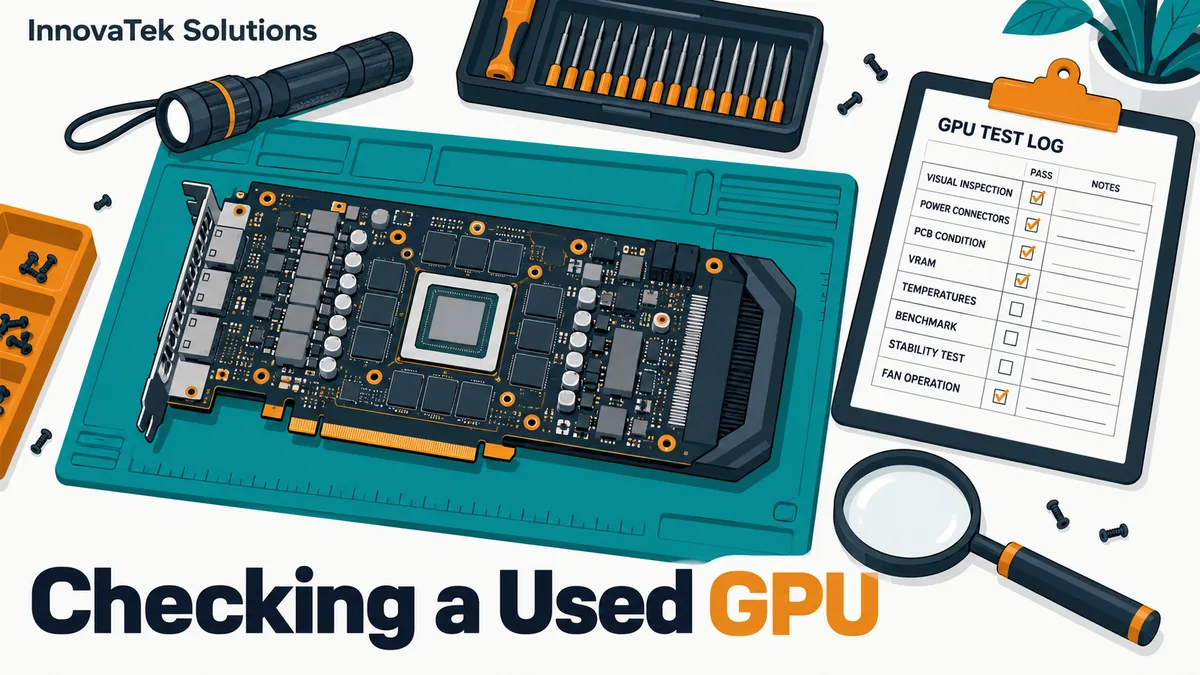
- Power connectors. Look for discoloration, melted or warped plastic, or bent pins in the power sockets. On cards with the newer 16-pin connector, check the plug end of the seller's cable too if it comes with the card. Heat damage here is a fire risk.
- PCB and backplate. Look for scorch marks, missing small components near the power section, corrosion, or residue from liquid. Stripped screws suggest repeated disassembly.
- Fans. Spin each fan by hand with the card unpowered. It should turn freely and coast to a stop without grinding, clicking or wobble. A fan that wobbles on its hub has a worn bearing and will get louder.
- Edge connector. The gold contacts that sit in the PCIe slot should be clean and evenly worn. Deep scratches, lifted contacts or a chipped edge suggest the card was pulled and reseated many times, or mounted on risers in a mining frame, and can show up later as a link running at reduced width.
- Smell and dust. A burnt smell means walk away. Dust packed into the fins means the card ran hot.
Passively cooled datacenter cards have no fans to check, and they need server chassis airflow to survive the burn-in at all. Before testing one, confirm the machine can supply that airflow and power, using the guide to power and cooling for an on-premise AI server.
Identity check: counterfeit and re-flashed cards
A counterfeit card is usually an older, weaker GPU with modified firmware that reports a newer model name. The giveaway is that the reported name and the real behavior disagree.
Run these checks in the first hour:
- Read what the card reports.
nvidia-smi -qprints the product name, serial number, VBIOS version, memory size and the PCIe link generation and width (current and maximum). A serial number that differs from the sticker is a red flag. - Check memory capacity by filling it. Reported memory is just a number the firmware supplies. A memory tester that allocates and writes the whole card, described in the next section, proves the capacity exists.
- Check performance against a known figure. Compare tokens per second on a fixed model and prompt with published results for that card. A fraction of the expected speed points to a relabeled chip or throttling.
- Use a second tool. TechPowerUp's GPU-Z added a "FAKE" flag for relabeled NVIDIA cards in version 2.12.0 in October 2018. The detection was described as covering a list of older NVIDIA chips that counterfeiters commonly relabel, so a clean result proves little on its own. Treat it as one input.
Re-flashed firmware on a genuine card is a different issue, often custom memory timings or power limits from mining. Ask the seller to restore the stock VBIOS, or confirm the version nvidia-smi reports matches one the board partner published. Flashing it yourself can brick the card.
Burn-in: memory, compute and thermals
A card that identifies correctly still has to run hot for hours without errors. Budget a full day, inside the return window.
Memory test
Language models fill VRAM, so a bad memory chip that a game never touches will corrupt output or crash the runtime. memtest_vulkan, an open-source tester under the Zlib license that runs on Windows and Linux, writes and verifies video memory through Vulkan compute. Its documentation recommends at least six minutes and notes that rare errors can take two to three hours to appear. Run it for the longer figure. Any error at all is a fail.
Compute stress test
gpu-burn is a CUDA stress test for NVIDIA cards. It takes the run length as its last argument (the project's own example is gpu_burn -d 3600, an hour), -d switches to double precision, -tc tries to use the tensor cores, and -m 90% sets how much of the memory it uses. Run at least an hour with -tc, since inference runtimes lean on the tensor cores.
While it runs, log the card's state from a second terminal. NVIDIA's documentation gives the logging pattern nvidia-smi -q -d ECC,POWER -i 0 -l 10 -f out.log, which samples every ten seconds into a file. Add PERFORMANCE to the display list to capture the clock event reasons.
What to look for in the log
- Clock event reasons.
nvidia-smireports why clocks are being held down, with entries such as "SW Power Cap", "HW Slowdown", "HW Thermal Slowdown" and "SW Thermal Slowdown". A power cap under full load is normal. Thermal slowdown early in the run on an open bench, in a cool room, points to dried thermal paste, failed pads or a dying fan. - Temperatures. Compare core temperature, and memory temperature where the card exposes it as "Memory Current Temp", to independent reviews of the same model. A card running well above the review figures in a comparable room has cooling that needs service.
- Fan speed. A fan pinned high while the card still runs hot suggests clogged fins or poor heatsink contact.
- ECC counters. Workstation and datacenter cards with ECC memory report corrected and uncorrected errors, retired pages (
-d PAGE_RETIREMENT) and, on newer generations, row remapping (-d ROW_REMAPPER). Corrected errors that climb during the test, any uncorrectable error, or a "Remapping Failure Occurred" entry mean the memory is degrading.
The real workload
Finish with the real job: load the intended model at full context and loop a few hundred real prompts for an hour or two. Outputs should stay coherent and speed steady once warm. The guide on how much VRAM an LLM needs shows how to size that test so it fills memory the way production will.
Keep the evidence. Save the nvidia-smi -q output, the memtest result and the stress-test log with the serial number and purchase date. If the card fails in month four, that file shows what it looked like on arrival, and it is a baseline for spotting temperatures that creep up later.
When used makes sense for a business
Used hardware is a reasonable choice when downtime is cheap and someone can swap a part:
- Pilots. Proving a use case on a used card limits the cost of being wrong.
- Batch and overnight work. If a card fails, the queue waits and nothing customer-facing breaks.
- Spares. A used card matching your production model is a cheap spare.
- Memory per dollar. Older high-memory cards can hold larger models than a new card at the same price. The comparison method in how to choose a GPU for a local LLM applies to used listings as well.
It makes less sense when the machine answers staff or customers during working hours with no fallback, when a compliance regime expects supported hardware with a documented warranty, or when nobody in the building is comfortable opening a case.
A workable decision rule: buy used when you can afford to be without the card for a week and the saving, after allowing for a realistic failure rate, still covers a replacement. Otherwise buy new and keep the receipt.
Frequently asked questions
Are ex-mining cards safe to use for AI?
Many are fine. Mining rigs commonly ran cards at reduced power and steady temperatures, which is gentler than it sounds. The real wear is on fans and thermal pads, and some mining cards carry modified firmware. Judge each card by the burn-in results, not by its history alone.
Is a used datacenter GPU better than a used gaming card?
Datacenter cards often have more memory and ECC, which helps with large models and with spotting memory faults early. They also tend to need server airflow, may lack display outputs, and can draw power through connectors a desktop power supply does not offer. Check that the rest of the machine can host one before buying.
Is it worth replacing thermal paste and pads on a used card?
Only if the burn-in shows thermal throttling or temperatures well above review figures, and only if you are comfortable with the work. Pads come in specific thicknesses for each card, and the wrong thickness can leave memory chips without contact. Opening the card may also end any warranty that remains.
Ready to Modernize Your Business?
Get your AI automation roadmap in minutes, not months.
Analyze Your Workflows →