Shadow AI: When Staff Paste Company Data Into Chatbots
Banning public chatbots tends to push their use onto personal phones where nobody can see it. Finding out what staff already use and giving them a sanctioned tool that is as good works better.
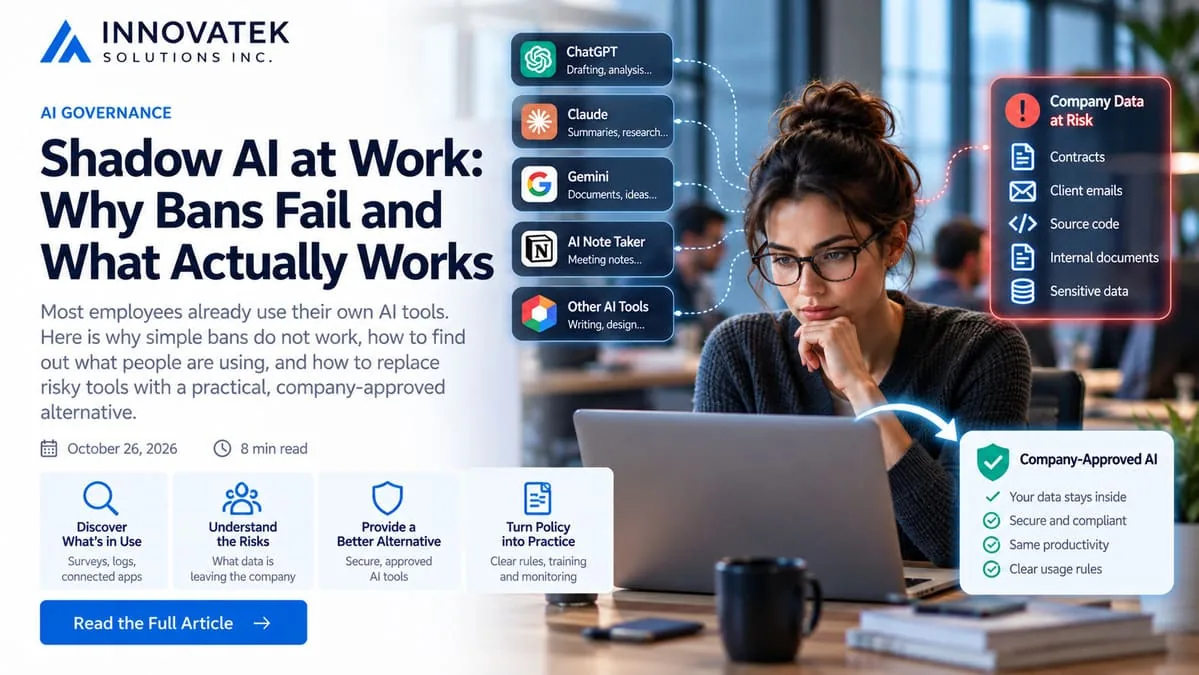
In Microsoft and LinkedIn's 2024 Work Trend Index, a survey of 31,000 people in 31 countries, three in four knowledge workers said they used AI at work, and 78% of those AI users said they brought their own tools. That is shadow AI: chatbots, writing assistants and browser extensions that staff use for work without IT approving them, usually on a personal account. Every paste of a contract clause, a customer email or a block of source code goes to a vendor the company has no agreement with.
The usual first move is a ban. It rarely holds, and the reasons are worth understanding before choosing a different approach.
Why bans fail
Samsung is the best-known example. In April 2023 engineers uploaded internal source code to ChatGPT, and in May a company memo, as reported by TheWrap, banned generative AI tools on company networks and company-owned devices, with discipline up to termination for violations. The same report says Samsung was building its own internal AI tools for translation and document summarization. The ban came with a replacement, and that pairing is the part most smaller companies copy badly: they keep the ban and skip the replacement.
A ban without a substitute fails for three plain reasons.
- The work does not go away. Someone who has learned to draft a reply in two minutes instead of fifteen will not go back to fifteen because a memo said so. Most will move the task to a personal phone.
- Blocking moves the problem out of sight. A firewall rule stops traffic from the office network. It does nothing about a phone on mobile data, a home laptop, or a photo of the screen. Before the ban, the company could at least see the traffic. After it, the data still leaves, only now nobody can see it go.
- The list of tools never ends. Blocking two famous chat sites leaves hundreds of others, plus AI features built into products the company already pays for: note takers, email clients, design tools, grammar checkers. A blocklist is always behind.
There is a social cost too. A ban tells staff that using the tool is the offence, so people stop admitting to it. That is the opposite of what a company needs, which is an honest picture of where its data is going.
Find out what staff already use
Detection comes before substitution, because the replacement has to cover the jobs people actually do with these tools. Four sources give most of the picture, and a small company can use the first two without buying anything.
Ask, with an amnesty
A short anonymous survey works better than any log, as long as it promises in writing that answers will not be used for discipline. Ask four things: which tools, for which tasks, what kind of material goes in (public text, internal documents, client data, code), and what would make them stop. The last answer is the requirement list for the replacement.
Read the network logs you already have
Most office routers, firewalls and DNS filters keep a log of which domains each device looked up. Two weeks of those logs, filtered for the domains of well-known AI services, shows how many devices use them and how often. It will not show what was pasted, and it misses phones on mobile data, so treat the count as a floor.
A worked example, plainly illustrative: a 40-person office pulls ten working days of DNS logs and finds 14 distinct laptops resolving chatbot domains, with about 1,100 lookups in total. That is 14 of 40 machines, or 35%, and 1,100 / 14 / 10 = about 8 lookups per user per day. Lookups are not prompts, since one session can trigger several, but the figure says this is a daily habit for a third of the office, not an occasional experiment.
Check sign-ins and connected apps
Many AI tools ask to connect to email, calendar or file storage. Those grants show up in the admin console. In Google Workspace, the Accessed apps list under Security, Access and data control, API controls shows each third-party app users have authorized, how many users, and which Google services (Gmail, Drive, Calendar) it requested. A meeting note taker with Drive access to the whole sales team is a bigger exposure than one person's chat history, and this list is where it appears.
Use a cloud app discovery tool if you have one
Companies on Microsoft 365 security plans may already own Defender for Cloud Apps. Microsoft's guidance says its app catalog has a Generative AI category with more than a thousand AI apps, a risk assessment for each, and the option to mark apps sanctioned or unsanctioned and to create discovery policies based on criteria such as risk score or users per day. Other secure web gateways and CASB products do similar things. Turn on the reporting before any blocking.
Expense reports are the fifth, low-tech source. Personal subscriptions to AI tools claimed back as business expenses tell you which tools people found worth paying for.
Turn the inventory into a replacement spec
The inventory produces a list of tool names, and the temptation is to rule on each one. A more useful output is a grid of tasks against the most sensitive material each task touches, built straight from the survey answers. An illustrative result for the same 40-person office:
| Task named in the survey | Respondents | Most sensitive input reported |
|---|---|---|
| Drafting and rewording emails | 17 | Client correspondence |
| Summarizing long documents | 12 | Contracts and client files |
| Spreadsheet formulas | 9 | Generic, no real data |
| Code help | 4 | Internal source code |
Read it from the right-hand column. Drafting and summarizing are both common and touch client material, so the sanctioned tool must do those two well on day one. Spreadsheet help involves nothing sensitive and can wait, or stay on an approved cloud tool. Which classes of data may go to a cloud model at all is a routing question covered in splitting work between local and cloud models. The consumer and business tiers of one chatbot also carry different terms, explained in how to read a provider's data-use terms. The written rules belong in an AI acceptable use policy.
Substitute: give staff a sanctioned tool that is good enough
Substitution works when the sanctioned tool is about as convenient as the shadow one. If it is slower to reach, worse at the common tasks or needs a ticket to get access, people will drift back.
What "good enough" means in practice
- Same jobs. Cover the top three or four tasks from the survey. For most offices that means drafting and rewording, summarizing a long document, answering questions about internal files, and help with spreadsheets or code.
- Same friction or less. Single sign-on with the existing company account, a browser bookmark, no installation. A self-hosted chat interface such as Open WebUI in front of a local model gives the familiar layout.
- Document upload. Much shadow use is "paste this PDF and summarize it". A replacement that cannot take files fails the most common request.
- Clear permission. Staff need to know, in one sentence, that client data is allowed in this tool and not in the others.
A local model will not match the largest cloud models on every task. For drafting, summarizing and document questions the gap is often small enough that convenience and permission win. For tasks where it is not, and the input is not sensitive, a business-tier cloud account with a contract can cover them.
Size it from the inventory
The detection numbers double as a capacity estimate. Continuing the example: 14 known users, and suppose the sanctioned tool attracts more, say 25 regular users once it is official. At 20 prompts each per working day, that is 25 x 20 = 500 prompts a day. If a typical exchange is about 1,500 tokens of prompt and answer, daily volume is 500 x 1,500 = 750,000 tokens. Spread over an 8-hour day that averages 750,000 / 28,800 seconds, about 26 tokens per second. Real traffic is bunched around mornings and after lunch, so plan for several times the average at peak and measure on the actual hardware before buying.
Then, and only then, restrict
Once the sanctioned tool is live and staff know about it, blocking the riskiest unsanctioned services on company devices is reasonable, because there is now somewhere else to go. Keep the discovery reporting running. A new tool appearing in the DNS logs or the connected apps list is a request from staff for something the sanctioned tool does not do yet, and the right response is often to add that capability.
A practical order of work for a small company: run the anonymous survey and pull two weeks of DNS logs this month, build the task grid, then stand up a sanctioned tool for the top tasks as a 30-day private AI pilot and compare the DNS counts before and after.
Frequently asked questions
Is shadow AI only a problem for large companies?
No. The Work Trend Index put the bring-your-own rate among AI users at small and medium-sized companies at 80%, slightly above the 78% overall figure. Smaller firms also tend to have fewer controls on personal devices, so a single employee can move a large share of client files into an outside service.
Can DNS logs show what an employee typed into a chatbot?
No. DNS logs show that a device looked up a domain, not the content sent. Seeing content requires tools that inspect traffic on managed devices, which raises its own privacy and works-council questions, so most small companies stop at counting usage and asking staff directly.
Does a business subscription to a public chatbot count as a sanctioned tool?
It can. A business tier usually comes with a contract and different data terms than a personal account, which makes it suitable for internal material that is not highly sensitive. Client data and trade secrets are where many companies prefer a model running on their own hardware.
What should happen to staff who used chatbots before the sanctioned tool existed?
Most companies treat earlier use as the reason the inventory exists, not as misconduct, and say so in the survey invitation. Punishing honest answers guarantees the next survey gets none.
Ready to Modernize Your Business?
Get your AI automation roadmap in minutes, not months.
Analyze Your Workflows →