On-Premise OCR and Document Extraction With Open Models
Classic OCR engines and newer vision-language models both run on local hardware. Here is where each fails, how to check confidence, and when a person should look.
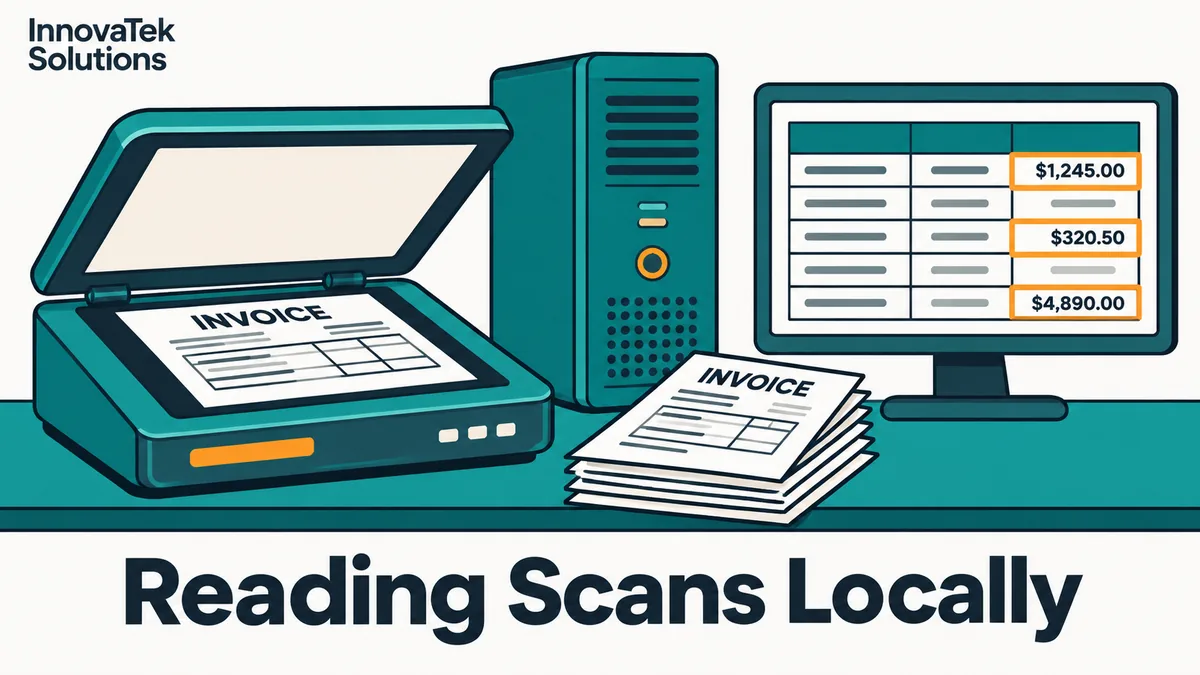
A scanned invoice holds maybe a dozen values a business actually cares about: supplier, invoice number, date, line items, tax, total. On-premise OCR is the job of turning that image into those values without sending the page to anyone else's server, and in October 2026 every piece of the pipeline has a mature open-source option. The hard part is no longer reading characters. It is knowing which of the values the machine got wrong.
Two families of tools do the reading. They fail in different ways, and that difference decides how the rest of the pipeline should be built.
Classic OCR engines: fast, literal and honest about doubt
Classic engines find text regions on the page, then recognize characters line by line. The best known is Tesseract, licensed under Apache 2.0, with an LSTM neural-network line recognizer since version 4 and support for more than 100 languages according to its project page. It runs comfortably on a CPU. PaddleOCR, also Apache 2.0, is the other common choice; its recent PP-OCR models are small (the multilingual recognizer is listed at about 2 million parameters) and it adds layout and table tools on top.
The useful property of a classic engine is that it reports doubt. Tesseract's tsv output gives every word a bounding box and a conf score, so a pipeline knows where on the page each value came from and how sure the engine was. When it misreads, it usually produces visible garbage: Inv0ice, a stray | from a table border, a 5 read as an S. Ugly, but easy to catch.
The weaknesses are just as well documented. Tesseract's own guidance says it works best on images of at least 300 dpi, that line segmentation degrades significantly on skewed pages, and, in its words, "It is known tesseract has a problem to recognize text/data from tables." A classic engine gives you words and coordinates. It does not know that the number under "Total" is the total.
Vision-language models: they read the page the way a person does
A vision-language model (VLM) takes the page image and returns structured text: Markdown with tables intact, or JSON with named fields if you ask for it. Several are built specifically for documents and run on local hardware:
| Tool | License | Size | What it returns |
|---|---|---|---|
| granite-docling (IBM) | Apache 2.0 | 258M parameters | DocTags markup, converted by the Docling library to Markdown or HTML |
| PaddleOCR-VL | Apache 2.0 | 0.9B parameters | Page content including tables, over 100 languages |
| olmOCR (Ai2) | Apache 2.0 | 7B parameters | Markdown with tables and equations, in reading order |
Facts as listed on each project's page in October 2026. olmOCR asks for a recent NVIDIA GPU with at least 12 GB of memory; the two smaller models need far less. General-purpose VLMs can do the same job with a prompt, and the article on local vision-language models covers how they behave outside documents.
VLMs handle exactly what classic engines struggle with: multi-column layouts, tables without ruling lines, handwriting, a stamp across a paragraph. They also understand context, so "extract the invoice total" works without writing coordinate rules.
The cost is the failure mode. A VLM that cannot read a smudged digit does not output a smudge. It outputs a plausible digit. A total of 1,284.50 can come back as 1,234.50 in perfectly clean text, with no confidence score attached. IBM's own model card for granite-docling warns that smaller models may be more prone to hallucination. For extraction, a fluent wrong answer is worse than an ugly one, because nothing in the output looks suspicious.
Layout and tables are a separate problem
Many extraction errors in real documents come from structure, not characters. A line-item table where the description wraps onto two lines turns into three rows instead of two. A two-column contract gets read straight across, splicing unrelated sentences. A header repeated on every page lands in the middle of the text.
Two approaches handle this:
- Layout pipeline. A layout model labels regions (heading, paragraph, table, figure), a table-structure model rebuilds rows and cells, and OCR fills them in. Docling (MIT licensed) and PaddleOCR's PP-StructureV3 work this way. PP-StructureV3 returns cell coordinates, which matters if a reviewer needs to see where a number came from.
- End-to-end VLM. The model sees the whole page and writes the table directly. Usually cleaner output on messy layouts, but no coordinates and no per-cell confidence.
Born-digital PDFs deserve a note here. A PDF exported from accounting software already contains a text layer, and pulling that text out directly is faster and exact. Check for a text layer first and only send pages without one to OCR. Many mixed archives are half digital, half scanned, and skipping OCR on the digital half saves both time and errors.
If the extracted text feeds a search or question-answering system, how tables and headings survive extraction decides how well chunking documents for RAG can work later.
Confidence checks that actually catch errors
Engine confidence is one signal and not a sufficient one. A word can be read with high confidence and still be the wrong field. Stronger checks use what the business already knows about the document:
- Arithmetic. Line items should sum to the subtotal; subtotal plus tax should equal the total. A misread digit almost always breaks this.
- Format rules. Dates must parse, invoice numbers match the supplier's known pattern, a tax ID has the right length and check digit.
- Reference data. The supplier name should match an entry in the vendor master; the purchase order number should exist.
- Two-reader agreement. Run a classic engine and a VLM on the same field. If both return 1,284.50, accept it. If they disagree, flag it. This is the cheapest guard against VLM hallucination, because a misreading engine and a guessing model are unlikely to land on the same wrong digit.
- Engine confidence threshold. For classic engines, flag any word in a required field below a set
confvalue. Pick the value from your own test pages, not a default.
A field that passes every applicable check goes straight through. A field that fails any of them goes to a person.
Human review for the low-confidence fields
Review should be per field, not per document. A reviewer shown the cropped image of one value next to the extracted text can confirm or fix it in seconds. A reviewer asked to re-check a whole page reads everything again and saves almost nothing.
Here is how the arithmetic works for an illustrative accounts-payable team processing 2,000 invoices a month with 8 required fields each:
- Fields per month: 2,000 x 8 = 16,000
- If checks flag 5% of fields: 16,000 x 0.05 = 800 fields to review
- At 10 seconds per field: 800 x 10 = 8,000 seconds, about 2.2 hours a month
Compare that with keying every field by hand at the same 10 seconds: 16,000 x 10 = 160,000 seconds, about 44 hours. The flag rate is the number that matters, so measure it on your own documents rather than trusting anyone's headline accuracy. A pile of faxed delivery notes will flag far more than clean PDFs from three regular suppliers.
Two habits keep the review queue honest. First, sample a small share of auto-accepted fields every week, say 50, and check them by hand. If errors turn up there, the checks are too loose. Second, log every correction with the original image crop. Those pairs become the test set for the next model or setting change, and they show which fields and which suppliers cause the most trouble.
Running it on one server
A typical local setup is a folder or scanner inbox, a worker that picks up new files, the extraction step, the checks, a small database of results and a review screen. None of it needs internet access once the models are downloaded, which makes it a fit for an air-gapped deployment.
Hardware follows the reader choice. Tesseract on CPU handles a steady trickle of pages on an ordinary office server. A 7B document VLM wants a GPU, and throughput depends on page density and image resolution, so time a sample of 200 of your own pages and multiply out rather than relying on published speed figures. Large backlogs, such as digitizing ten years of archived files, suit an overnight queue; the design for that is in batch LLM processing.
A reasonable starting rule: if documents are clean, typed and mostly fixed-format, start with a classic engine plus layout tools and field rules. If they are varied, tabular or handwritten, use a document VLM for reading and a classic engine as the second reader for the fields that carry money or identity.
Frequently asked questions
Can a general chat model like a local Llama read invoices without a separate OCR step?
Only if it is a vision-capable model; a text-only model cannot see an image at all. Vision-capable general models can extract fields, but purpose-built document models are usually smaller and more consistent on tables. Either way, the same arithmetic and agreement checks apply.
What scan settings give the best OCR results?
Tesseract's documentation recommends at least 300 dpi, and straight, unskewed pages. Grayscale is usually a safer choice than pure black and white, because a scanner's own thresholding can erase faint characters before the OCR engine ever sees them.
Is handwriting realistic to extract locally?
Printed handwriting in boxes on forms is often workable with document VLMs, and olmOCR lists handwriting among the content it handles. Free-flowing cursive notes remain unreliable, so treat handwritten fields as review-by-default until your own test pages show otherwise.
How many test documents are needed before going live?
Enough to cover every document type and every important supplier or form, with hand-checked answers for each page. A few dozen pages per document type is a reasonable floor; rare types and messy scans need more. The goal is a measured flag rate and a measured error rate among auto-accepted fields, not a single accuracy percentage.
Ready to Modernize Your Business?
Get your AI automation roadmap in minutes, not months.
Analyze Your Workflows →