Tracking LLM Usage and Cost per Department
How to count tokens per team at a gateway, convert a server's monthly cost into an internal rate per million tokens with the arithmetic shown, set quotas, and report usage without exposing prompts.
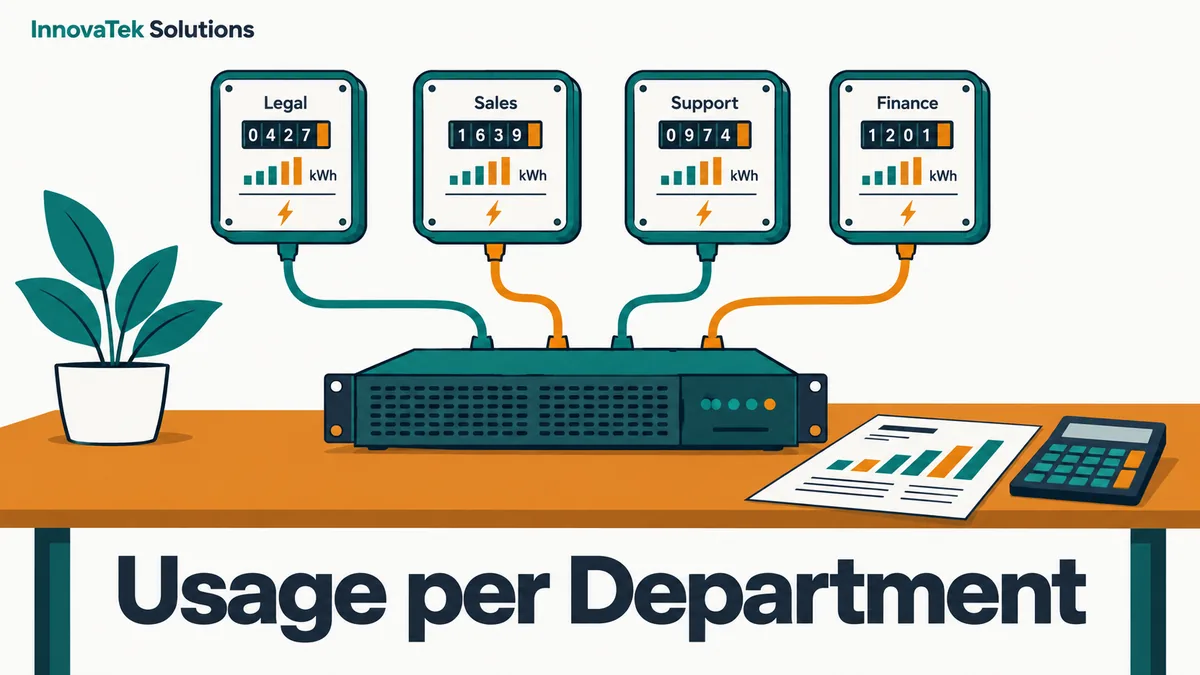
A $12,000 inference server written off over three years, drawing an average 400 watts and taking five admin hours a month, costs about $727 a month to run. If four departments push 77 million tokens through it in that month, the internal price is about $9.44 per million tokens, and the legal team's 32 million tokens come to roughly $302. LLM usage tracking is what makes that sentence possible: without per-team token counts, the server is a shared cost nobody owns.
Audit fields such as retrieved sources and model hashes are a separate subject, covered in audit logs for internal AI.
Why the count has to happen at a gateway
An inference runtime knows how many tokens it processed. It usually does not know who sent them. Ollama, vLLM and llama.cpp each see an HTTP request from an application, and if three internal tools share one endpoint, the runtime's own counters add all three together.
The fix is a gateway: a small proxy that every application calls instead of the model server. It authenticates the caller, forwards the request, reads the token counts from the response, and writes one usage row. It can also route across several model servers, covered in load balancing several LLM servers.
The token counts come from the response itself. OpenAI-style chat responses carry a usage object with prompt and completion token counts. Streaming is the trap: a streamed answer arrives in pieces, and the totals are only sent if the client asks for them. Ollama's OpenAI-compatible endpoint lists stream_options with include_usage as supported, per its compatibility page. A gateway that forgets this flag on streamed requests will record zero tokens for the chat tool, which is usually the biggest consumer.
Identity: keys per team, user ID per request
Two layers of identity work well together:
- One API key per application or team. The legal team's contract tool gets its own key, the support chatbot gets another. Revoking or capping one does not touch the rest.
- A user identifier on each request for tools that many people share, such as a chat front end. The application passes it in the request's
userfield or a header, and the gateway stores it.
LiteLLM's proxy is one open-source gateway built around this model. Its cost tracking documentation describes a spend log that records, per request, the hashed key, the owning user and team, request tags, the end user, and spend in dollars.
The minimum usage record
A metering row needs very little:
| Field | Example | Purpose |
|---|---|---|
| Timestamp | 2026-10-14T09:12:03Z | Monthly and hourly totals |
| Team or key | legal-contracts | Who pays |
| User | pseudonymous ID | Per-person quotas, if used |
| Application | contract-review | Which tool drove the load |
| Model | the exact model name | Different models, different rates |
| Prompt tokens | 6,200 | Input volume |
| Completion tokens | 410 | Output volume |
| Duration | 7.8 s | Time-based allocation |
| Status | ok, error, rejected | Do not bill failures |
Prompt and answer text are absent on purpose: usage reporting never needs them, so the table can go to finance as is. LiteLLM, for example, stores only metadata such as tokens, cost and model in its spend logs while store_prompts_in_spend_logs is off, which its configuration reference lists as the default. Check that default in any gateway, and again after upgrades.
Turning a server into a cost per million tokens
A local server has a fixed monthly cost, so the internal rate is that cost divided by what was actually consumed.
Step 1: the monthly cost
Take an illustrative build, not a quote for any specific machine:
- Hardware: $12,000 / 36 months = $333.33
- Electricity: average draw 0.4 kW x 730 hours = 292 kWh. At an illustrative 15 cents per kWh, 292 x $0.15 = $43.80. Use your own bill; the EIA publishes average retail prices by sector monthly
- Admin time: 5 hours x $70 = $350
Total: $333.33 + $43.80 + $350 = $727.13 per month. The admin line, nearly half the total here, is the one most often left out. A fuller list of ownership costs is in the total cost of owning an on-premise AI server.
Spread over every hour in the month, that is $727.13 / 730 = about $1.00 per GPU-hour of availability. If the gateway shows the GPU was busy for 160 hours, each busy hour cost $727.13 / 160 = $4.54. The gap between those two numbers is idle capacity, and someone pays for it either way.
Step 2: the usage
Suppose the gateway reports this for one month:
| Team | Prompt tokens | Completion tokens | Total |
|---|---|---|---|
| Legal | 30M | 2M | 32M |
| Sales | 8M | 4M | 12M |
| Support | 20M | 6M | 26M |
| Finance | 6M | 1M | 7M |
| All | 64M | 13M | 77M |
Step 3: a flat rate
$727.13 / 77M = $9.44 per million tokens. Charges: Legal 32 x $9.4432 = $302.18, Sales $113.32, Support $245.52, Finance $66.10. They add back to $727.13, give or take a cent of rounding.
Step 4: a weighted rate, if output costs more GPU time
On a GPU, reading the prompt happens in large parallel chunks, while the answer is generated one token at a time. A completion token therefore usually takes more GPU time than a prompt token. A flat rate charges the input-heavy legal team for load that the output-heavy sales team caused.
One fix is a weight: count each completion token as w prompt tokens. The weight should come from your own measurements, timing prompt processing and generation separately on your own hardware. With an illustrative w = 4:
- Legal: 30 + (4 x 2) = 38M weighted
- Sales: 8 + (4 x 4) = 24M
- Support: 20 + (4 x 6) = 44M
- Finance: 6 + (4 x 1) = 10M
Total 116M weighted tokens, so the rate is $727.13 / 116 = $6.268 per weighted million. Charges: Legal $238.20, Sales $150.44, Support $275.81, Finance $62.68.
Legal drops by about $64 and Sales rises by about $37. Pick the method before the first report goes out, because changing it later looks like moving the goalposts.
An alternative is to allocate by request duration, which captures prompt length, answer length and model size in one number. Batched requests overlap, so durations sum to more than wall-clock time, but each team's share of the total still splits the cost fairly. LiteLLM's custom pricing documentation supports both styles for self-hosted models, through input_cost_per_token and output_cost_per_token or a cost_per_second rate, both set under model_info; the docs note that cost_per_second needs version 1.105.0 or later.
The rate moves with volume
The cost is fixed, so the rate falls as use grows. At 154M tokens, double the example, the flat rate is $727.13 / 154 = $4.72. If one team stops using the server, the others pay more for the same work. Many organizations handle this with showback for the first year: publish each team's share without moving money, and decide on chargeback once volumes settle. Comparing the internal rate with a cloud API price is a separate exercise, worked through in the local LLM versus cloud API break-even.
Quotas that protect a shared GPU
Billing reports last month; quotas stop one team starving the rest this afternoon, at two time scales.
Per-minute limits protect latency. A batch job that fires 500 requests at once can push every chat user into a queue. A tokens-per-minute or requests-per-minute cap on the batch job's key keeps interactive tools responsive. LiteLLM exposes these as tpm_limit and rpm_limit on keys, users and teams.
Monthly budgets control share. LiteLLM sets them with max_budget and a reset interval in budget_duration, such as 30d, per its user and budget documentation. Requests are refused once a budget is exceeded. The same page notes that budgets are only enforced when the proxy has a database connected, so a test setup without one blocks nothing.
A hard refusal is not always the right response. Options, roughly from gentlest to firmest:
- Alert the team lead at 80% of budget.
- Route over-budget requests to a smaller, cheaper model.
- Queue non-urgent work for overnight, when the GPU is idle.
- Refuse with a clear message naming the budget and who can raise it.
Set first budgets from measured usage plus headroom; a quota too tight in week one sends people back to unapproved cloud tools.
Reports that do not expose prompt content
A usage report goes to managers and finance, so it should show volume and cost, never content. Three habits keep it that way.
- Aggregate by team and month by default. Per-user figures are useful for spotting a runaway script, but limit who can see them, the same way payroll detail is limited.
- Watch small groups. A "team" of one person is a per-user report. Merge teams under a minimum size, such as three people, or report them under a parent department.
- Do not add topic labels without thinking. Classifying each prompt as "HR question" or "contract question" so the report looks richer brings content back in condensed form. A team-level total of HR questions in a five-person office can identify who is asking.
A practical first step: put the gateway in front of the model server, issue one key per team, run for a month in showback mode, and publish a single table of tokens and cost per team. Decide on weights and quotas once that table exists.
Frequently asked questions
Can token counts be taken from the model server's own metrics instead of a gateway?
Runtime metrics such as Prometheus counters give total tokens per model, which is enough for capacity planning. They do not attribute tokens to a team unless every team uses a separate server or model name. For per-department figures, the gateway is the simpler place to count.
Should embedding and OCR requests be charged too?
If they run on the same GPU, they consume the same capacity. Embedding calls report input tokens only, so they fit the per-token method, while OCR and vision jobs fit the per-second method better. Pricing every model on one basis, such as GPU-seconds, avoids maintaining several rate tables.
Do failed or cancelled requests count toward a team's usage?
A request that errors before generating anything should not be billed. A request the user cancels mid-answer did use GPU time, but whether its partial tokens get recorded depends on the gateway and the client, so test it with a cancelled streamed request before trusting the numbers. Decide which rule applies and state it on the report, so teams are not surprised.
Is per-user tracking a privacy problem for staff?
Counting how many tokens a person used is far less sensitive than storing what they asked, but it is still monitoring of employees. Tell staff what is recorded and who sees it, ideally in the AI acceptable use policy, and keep per-person figures to the smallest audience that needs them.
Ready to Modernize Your Business?
Get your AI automation roadmap in minutes, not months.
Analyze Your Workflows →