GGUF, Safetensors and Model Formats: What to Download
Open a model page and you may find GGUF, safetensors and .bin files side by side. Here is which runtime reads which, why the pickle-based ones are a risk, and how to confirm a download is genuine.
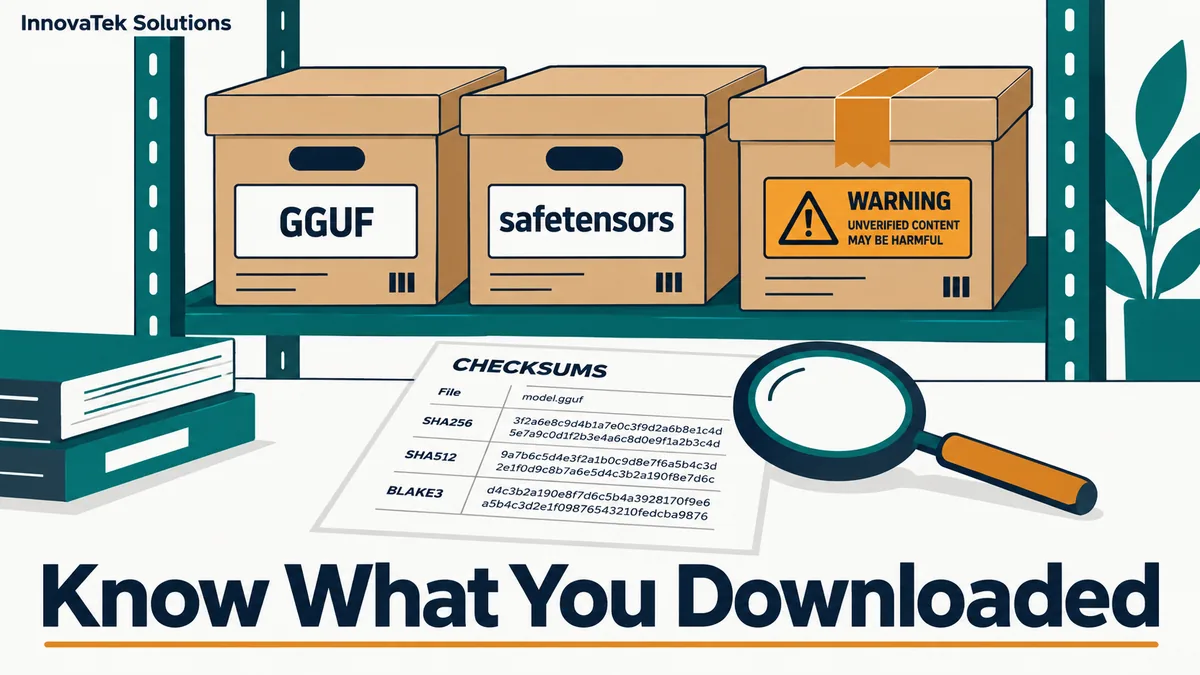
The short answer to GGUF vs safetensors: download GGUF if the model will run under llama.cpp or a tool built on it, and download safetensors if it will run under vLLM, Hugging Face Transformers or another Python serving stack. Both formats hold only numbers and descriptive metadata, so loading either one does not execute code. The files to be careful with are the older .bin, .pt, .pth and .ckpt checkpoints, which are usually Python pickles, and a pickle can run arbitrary code the moment it is opened.
Which runtime reads which file
Model files are not interchangeable. Each runtime expects a particular layout, and picking the wrong download wastes a few gigabytes of bandwidth at best.
| File you see | What it is | Read by |
|---|---|---|
model.gguf, model-Q4_K_M.gguf |
One self-contained file: weights, tokenizer, chat template, architecture | llama.cpp and tools built on it; Ollama imports it |
model-00001-of-00004.safetensors plus config.json and tokenizer files |
Weights only, in a folder alongside separate config files | vLLM, Transformers, most Python stacks; Ollama can import a safetensors folder |
MLX folders, often from the mlx-community organization |
Weights converted for Apple's MLX framework | mlx-lm on Apple Silicon |
pytorch_model.bin, .pt, .pth, .ckpt |
PyTorch pickle checkpoint | PyTorch, and runtimes that fall back to it |
GGUF
The llama.cpp documentation is direct about it: llama.cpp "requires the model to be stored in the GGUF file format." The GGUF specification describes it as the successor to the earlier GGML, GGMF and GGJT formats, designed so that one file carries everything needed to load a model. That includes typed key-value metadata such as general.architecture, the tokenizer vocabulary and tokenizer.chat_template, the Jinja template that formats a conversation the way the model was trained to expect.
Single-file packaging is the main convenience. Copying a model to an isolated machine means copying one file, and a mismatched tokenizer cannot sneak in from a different folder. GGUF files are almost always already quantized, so the filename carries the precision level, such as Q4_K_M or Q8_0. Reading those labels is covered in what 4-bit and 8-bit quantization cost you.
Safetensors
Safetensors is the Hugging Face format for raw tensors. Its layout is simple enough to describe in three lines, according to the project README:
- The first 8 bytes are an unsigned 64-bit integer giving the header length.
- Next comes a JSON header listing each tensor's name, data type, shape and byte offsets, capped at 100 MB.
- The rest of the file is the raw tensor data.
There is no slot in that structure for code. A safetensors file usually holds full or half precision weights, so it is the format to download when a runtime does its own quantization or when serving on GPUs with enough memory. It does not carry the tokenizer or the chat template, which is why a safetensors model is always a folder rather than a single file.
When the runtime accepts both
Some tools take either format, with caveats. Ollama's import guide accepts a GGUF file (FROM /path/to/file.gguf, or a wildcard for split files) or a safetensors directory. It does not quantize GGUF files on import, so the precision has to be chosen before download. vLLM's documentation calls its GGUF support "highly experimental and under-optimized" and recommends using the tokenizer from the base model instead of the one embedded in the GGUF. For vLLM, safetensors is the normal choice. The wider comparison of those two servers is in Ollama vs vLLM for production.
Why pickle files are a security risk
Python's pickle format is a sequence of instructions that an interpreter replays to rebuild an object. Hugging Face's pickle security page walks through the problem: the GLOBAL and STACK_GLOBAL opcodes import things, and REDUCE calls them with arguments. A crafted file can import exec or eval and hand it a string of Python. Loading the "model" then runs that code with the permissions of whatever process opened it.
On a shared inference server, that process often has access to the model directory, a GPU, network routes to internal systems and sometimes service credentials. A malicious checkpoint is therefore equivalent to running an unknown script on that box.
Several mitigations exist, and none of them is complete:
- Hub scanning. Hugging Face runs ClamAV and a pickle import scan on uploaded files and highlights suspicious imports next to each file. Its own documentation adds that the scan "is not 100% foolproof."
- Restricted loading in PyTorch. Since PyTorch 2.6,
torch.loaddefaults toweights_only=Truewhen no custom pickle module is passed, which limits unpickling to tensors, primitive types and dictionaries. Old code that setsweights_only=Falseto silence an error removes that protection, and the PyTorch docs warn that doing so can result in arbitrary code execution and should be done only for files from a trusted source. - Runtime settings. vLLM's
--load-formatdefaults toauto, which tries safetensors and falls back to PyTorch.binfiles if no safetensors weights are present. Setting--load-format safetensorsmakes the server refuse the fallback instead of quietly opening a pickle.
The simplest rule is to prefer GGUF or safetensors whenever a repository offers them, and to treat a repository that offers only .bin files as a reason for extra checks. Where a model exists only as a pickle, convert it once on a disposable machine with no network access and no credentials, then move the resulting safetensors file to production.
How to check that a download is the file the publisher released
The format tells you whether a file can run code. It does not tell you whether the file is the one the publisher intended. A re-uploaded model in a look-alike repository, a corrupted transfer or a file swapped after you last checked are separate problems, and they need a separate check.
Start from the right repository
Most impersonation is at the repository level: a name one character off from the original, or a "quantized" copy uploaded by an unknown account. Download from the publisher's own organization, or from a quantizer whose account history you can see. Hugging Face also supports GPG-signed commits, which do not prove a file is safe but do tie it to a known key.
Pin a revision
A repository name points at a branch that can change. The hf download command accepts --revision with a commit hash, branch or tag, plus --include to fetch only the files you want. Recording the commit hash means a later re-download fetches the same bytes, and it gives a precise answer when someone asks which model version produced an output. Keeping that pin under change control is part of updating on-premise models safely.
Compare the SHA256 hash
Each large file page on Hugging Face shows a SHA256 value. For example, the page for Qwen's qwen2.5-0.5b-instruct-q4_k_m.gguf listed, in October 2026, a size of 491 MB and a SHA256 beginning 74a4da8c. After downloading, compute the hash locally:
sha256sum qwen2.5-0.5b-instruct-q4_k_m.gguf
On macOS the equivalent is shasum -a 256. The full 64-character output must match the published value exactly. For a sharded safetensors model, every shard has its own hash, so a model split into four shards needs four comparisons, not one.
Hashing is fast relative to the download. A disk reading at 1 GB per second needs about 15 seconds just to read a 15 GB model, a little longer if the CPU hashes more slowly than the disk reads, so checking every file costs little. Hashes also give an air-gapped site a clean handoff: compute them on the download machine, carry the list across with the files, and recompute on the far side.
Record what you accepted
Keep a small manifest next to each model directory: repository, commit hash, file names, sizes and SHA256 values, and the date. When a server is rebuilt or a model is copied to a second machine, the manifest turns "is this the same model?" into a one-line comparison. The broader server hardening around these files, from bind addresses to who may write to the model directory, is covered in securing a local LLM server.
Picking the download in practice
For a given model card, the decision usually takes under a minute:
- Name the runtime first. llama.cpp or a tool built on it means GGUF; vLLM or Transformers means safetensors; MLX on a Mac means an MLX conversion.
- For GGUF, pick the quantization level that fits your memory, and check whether the file is split into parts that all need downloading.
- For safetensors, download the whole folder, including
config.json, the tokenizer files and the index file that maps tensors to shards. - Skip
.binand.ptfiles if a safer format is offered. If not, convert them in isolation first. - Pin the commit, verify every hash, and write the manifest before the model goes anywhere near production.
When no GGUF exists for a model you want to run under llama.cpp, the project's convert_*.py scripts produce one from the safetensors release. Converting from the original publisher's files is often safer than trusting an unknown third-party GGUF, because the provenance then rests on one repository you have already checked.
Frequently asked questions
Can a GGUF file contain malware?
The GGUF format stores tensors and typed metadata, not executable code, so opening one does not run a script the way unpickling can. The remaining risks are a bug in the program parsing the file and a file that is genuine in format but not the model you meant to download. Keeping the runtime updated and checking the hash cover both.
Is a GGUF file slower than safetensors?
The format itself does not set the speed; the runtime and the precision do. A 4-bit GGUF under llama.cpp and a 16-bit safetensors model under vLLM differ in memory use, batching behavior and quality, so compare the runtimes on your own workload rather than the file extensions.
Can a GGUF be converted back to safetensors?
Tools exist for some architectures, but a quantized GGUF has already lost precision, and converting it back does not restore that detail. When full precision matters, download the original safetensors release from the publisher.
Why does one model page list dozens of GGUF files?
Each file is the same model at a different quantization level, and large models are often split into several parts per level. Only one level is needed, and all parts of that level must be downloaded together.
Ready to Modernize Your Business?
Get your AI automation roadmap in minutes, not months.
Analyze Your Workflows →