Ollama vs vLLM: Which to Run in Production
Ollama and vLLM both serve open models over an OpenAI-style API, but they are built for different jobs. Here is how formats, memory and operations differ, and the signals that say it is time to switch.
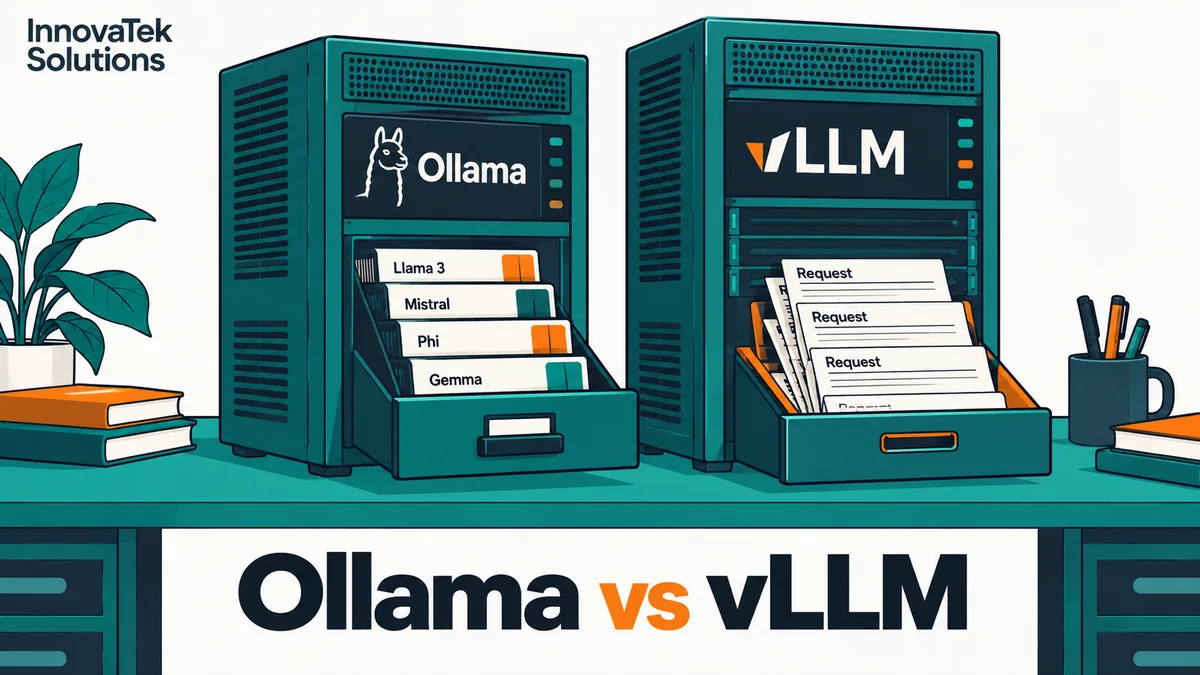
Ollama's documented default is to process one request per model at a time, load models when they are asked for, and unload them after five minutes of quiet. vLLM's default is to claim 92 percent of the GPU's memory the moment it starts, serve exactly one model, and pack as many requests into each step as that memory allows. Those defaults are the Ollama vs vLLM question in miniature. Ollama is built so one person, or a small team, can switch between many models with no ceremony. vLLM is built so one model can answer many people at once on a GPU that does nothing else. Defaults and flags below follow each project's documentation as of October 2026.
Two tools built for different jobs
Both are open source (Ollama MIT, vLLM Apache 2.0) and both expose an OpenAI-compatible API, so an application can often move between them by changing a base URL and a model name.
Ollama is a model manager and server that lists llama.cpp among its inference backends. ollama pull fetches a model, the server loads it when a request names it, and up to three models per GPU can be resident at once if they fit. Settings are environment variables on a background service. It runs on Linux, macOS and Windows, with GPU support for NVIDIA (CUDA), AMD (ROCm), Apple (Metal) and Vulkan.
vLLM is a Python serving engine. Its README lists PagedAttention for KV cache memory, continuous batching, chunked prefill and prefix caching as core features. vllm serve <model> starts a server on port 8000 that, in the quickstart's words, "currently hosts one model at a time." The main build is Linux only, needs an NVIDIA GPU of compute capability 7.5 or newer for CUDA (roughly the T4 and RTX 20 series onward), and also supports AMD and Intel GPUs and several CPU types. Windows needs WSL, and GPU acceleration on Apple Silicon comes only from a community plugin.
Ollama optimizes for the next request being for any model. vLLM optimizes for the next hundred requests being for the same one.
Model formats each accepts
The file you download decides which server can run it efficiently, a point covered from the file side in GGUF, safetensors and other model formats.
| Ollama | vLLM | |
|---|---|---|
| Native format | GGUF from its own library | Hugging Face safetensors folders |
| Other imports | A local GGUF file, split GGUF via wildcard, or a safetensors directory | GGUF, described as "highly experimental and under-optimized", needs a plugin |
| Quantization | Whatever the GGUF was built with; Ollama does not quantize GGUF on import | FP8, INT8, INT4, GPTQ, AWQ, NVFP4 and other formats read from the model config |
| Tokenizer | Embedded in the GGUF | From the model folder; for GGUF, docs recommend the base model's tokenizer |
| Adapters | Through a Modelfile | Multi-LoRA serving, several adapters on one base model |
A team that starts on Ollama with a 4-bit GGUF cannot carry that file to vLLM and expect good results. The usual move is to download the same model again as safetensors, or as an AWQ, GPTQ or FP8 checkpoint if the full-precision weights do not fit. Quality can shift slightly between a GGUF quantization and a GPTQ one of the same nominal bit width, so test the new checkpoint on real prompts before cutting over.
Memory behavior: grow on demand versus claim it all
Ollama sizes memory per model, per load
When Ollama loads a model, it checks the VRAM needed against what is free. Context memory is reserved for OLLAMA_NUM_PARALLEL x OLLAMA_CONTEXT_LENGTH tokens, with defaults of 1 and 4096. If a model does not fit on the GPU, Ollama loads part of it into system RAM, and ollama ps shows the split, for example 48%/52% CPU/GPU. The model still answers, only much more slowly. If a request names a model that cannot fit alongside those already loaded, new requests queue until it can be loaded.
So a 16 GB card can host a coding model in the morning and a summarization model in the afternoon with no restart. The cost: capacity depends on what else is loaded, and a large model can quietly land half on the CPU.
vLLM claims a fixed share at startup
vLLM pre-allocates memory according to --gpu-memory-utilization, a per-instance limit that defaults to 0.92. Whatever is left after the weights becomes a pool of KV cache pages shared by all requests. When that pool runs short, vLLM preempts running requests and recomputes them later, which the optimization guide treats as a sign to raise the memory share or lower --max-num-seqs. CPU offload of weights exists (--cpu-offload-gb) but is 0 by default, so a model that does not fit simply fails to start.
Take an illustrative 24 GB card serving an 8-billion-parameter model:
- vLLM claims 0.92 x 24 = 22.1 GB.
- The model in 16-bit weights is about 8 x 2 = 16 GB.
- Subtract a working allowance for activations and CUDA graphs, say 1.5 GB, and roughly 22.1 - 16 - 1.5 = 4.6 GB is left for the KV cache.
Run the same model as a 4-bit AWQ checkpoint, about 8 x 0.5 = 4 GB plus some overhead, and the pool grows to roughly 22.1 - 4 - 1.5 = 16.6 GB, less whatever the quantization overhead takes. That pool size is what sets how many long conversations vLLM can hold at once. The startup log reports how many tokens of cache fit, so read it rather than guessing.
The practical consequence: a vLLM GPU is a dedicated GPU. Nothing else, including a second vLLM instance, fits unless you lower the fraction for each instance by hand.
Concurrency: queue versus batch
With default settings, a second Ollama user waits for the first answer to finish. Raising OLLAMA_NUM_PARALLEL lets one model work on several requests at once, but the FAQ states that memory scales with OLLAMA_NUM_PARALLEL x OLLAMA_CONTEXT_LENGTH: every slot holds a full context whether a user sends three words or a whole contract. The sizing for an office is worked through in running Ollama as a shared office service. So Ollama's concurrency is set by the longest conversation you plan for, not the average one.
vLLM does not reserve per request. Pages of KV cache are handed out as tokens are generated, so twenty short chats and two long document questions share one pool, and continuous batching adds new requests to the running batch at each step instead of waiting for a batch to finish. The result, on the same card and model, is usually far higher total throughput under load. Per-user speed falls as the batch grows on either server; the difference is how much total work the GPU finishes while that happens. How to turn measured throughput into a headcount is the subject of how many users one GPU can serve.
With a single user, the gap mostly disappears: batching has nothing to batch, and a well-quantized GGUF on Ollama can match or beat a 16-bit model on vLLM for one person because it reads fewer bytes per token.
Operational effort
| Task | Ollama | vLLM |
|---|---|---|
| Install | Installer or one script; systemd service included on Linux | Python package or container image, matched to CUDA version |
| Add a model | ollama pull, available immediately |
Download weights, start a new process or restart with a new model |
| Several models | One server, loads and unloads on demand | One process per model, each given its own memory fraction or GPU |
| Startup time | Fast; model loads on first request | Slower; weights load and memory is profiled before serving |
| Tuning surface | A dozen or so environment variables | Hundreds of engine arguments |
| Access control | None built in; put a proxy in front | Optional --api-key; a proxy is still advisable |
| Monitoring | ollama ps, logs, HTTP 503 when the queue is full |
Prometheus metrics for running and waiting requests, cache use, preemptions |
Ollama's cost is low until the office depends on it; then it needs a service account, a bind address and an authenticating proxy like any other shared service. vLLM's cost is front-loaded: a version matched to the driver, a chosen checkpoint, context and sequence limits, and a restart for every model change. It suits a team that already runs containers and dashboards.
When to move from Ollama to vLLM
Most private deployments should start on Ollama, measure, and move when the numbers say so. Move to vLLM when all three of these hold:
- One model carries most of the traffic. If 80 percent or more of requests go to a single model, vLLM's one-model design costs little. If staff switch between five models through the day, Ollama's model manager is doing real work you would have to rebuild.
- Concurrent load is real and persistent. Requests regularly wait during peak hours, or p95 time to first token exceeds what users tolerate, after you have already tried raising
OLLAMA_NUM_PARALLELwithin the memory you have. - The GPU is a dedicated NVIDIA (or supported AMD) card on Linux. On Apple Silicon or Windows, stay with Ollama or a llama.cpp server.
A quick check for the second condition: if peak-hour arrivals times average answer time comes to more than about two requests in flight, for example 0.1 requests per second x 20 seconds = 2, batching will start to pay for itself. Below one in flight, the extra effort buys almost nothing.
Move back to a lighter server when the GPU sits mostly idle, the team wants to try many models, or nobody owns the dashboards. Between the two sits running the llama.cpp server directly, which keeps GGUF files and gives explicit slot control without vLLM's footprint.
Frequently asked questions
Can Ollama and vLLM run on the same machine?
Yes, if each has its own GPU or you lower vLLM's --gpu-memory-utilization well below the default 0.92. Left at the default, vLLM takes most of the card at startup, and Ollama will fall back to system RAM or queue its loads. Giving each server its own card with CUDA_VISIBLE_DEVICES is cleaner.
Will application code need changes when switching servers?
Usually only the base URL, the port (Ollama listens on 11434, vLLM on 8000) and the model name, since both speak the OpenAI chat format. Ollama expects the name of a pulled model, vLLM the name it was started with. Run a fixed set of real prompts against both before cutting over, because sampling defaults and tool-calling setup differ between the two.
Can an older NVIDIA card run vLLM?
Only from compute capability 7.5 upward, which rules out Pascal-era cards such as the GTX 10 series and the P40. Ollama's GPU page lists NVIDIA support from compute capability 5.0, with a newer driver required for capability 5.0 to 6.2, so an older card that cannot host vLLM may still serve models through Ollama.
Ready to Modernize Your Business?
Get your AI automation roadmap in minutes, not months.
Analyze Your Workflows →