Edge AI Boxes: When a Small Device Beats a Server
A small accelerator beside each camera or machine, or one shared server in a closet. How to decide using deadlines, bandwidth, memory limits and the cost of looking after many boxes.
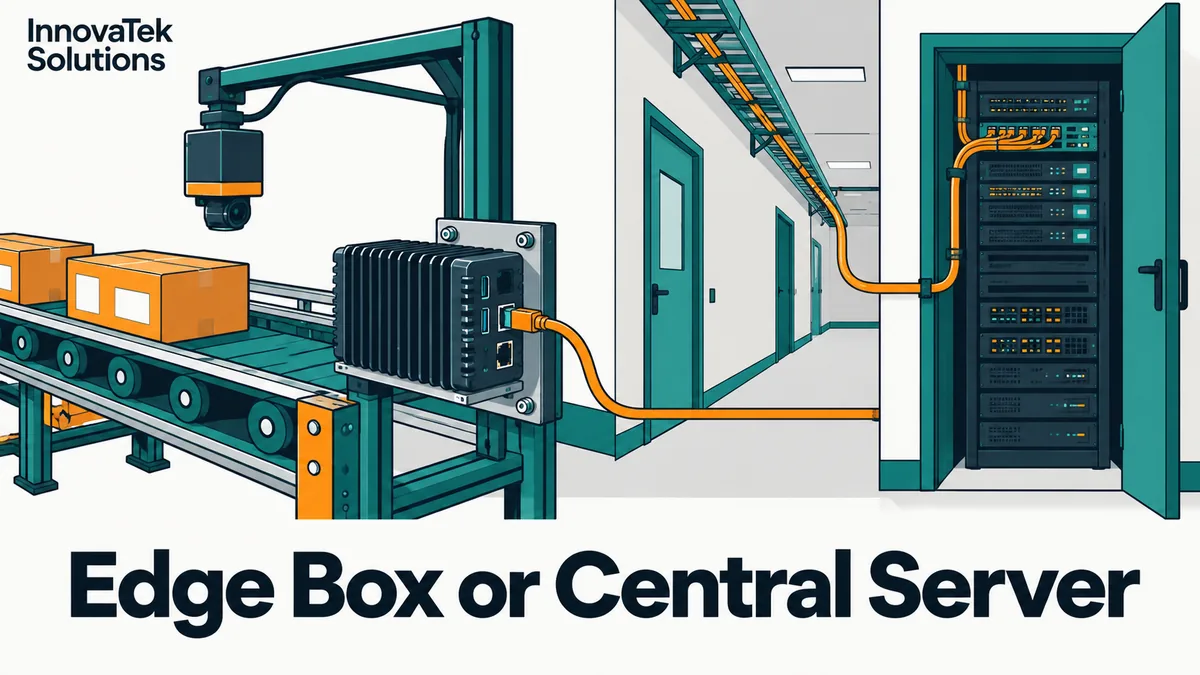
A bottle on a conveyor moving at 1 meter per second passes the camera, and the reject arm sits 30 centimeters downstream. That gives the whole system 300 milliseconds to capture the frame, run the model, decide, and fire the arm. The edge AI device vs server question is mostly about deadlines like that one. A small accelerator bolted to the line answers in a predictable time with no network in the path. A central server answers too, usually fast enough, but it shares its time with every other camera in the building, and the network becomes part of the safety margin.
What sits on each side
On the edge side, the common reference point is NVIDIA's Jetson family: a module with an Arm CPU, a GPU and memory on one board, drawing tens of watts. The table below uses NVIDIA's published specs and the prices after NVIDIA raised Jetson prices in July 2026, as reported by CNX Software. Module prices are per unit in 1,000-unit orders.
| Device | Memory | Memory bandwidth | Power range | Price, October 2026 |
|---|---|---|---|---|
| Jetson Orin Nano Super Developer Kit (8 GB) | 8 GB LPDDR5 | 102 GB/s | 7-25 W | $399 kit |
| Jetson Orin NX 16GB | 16 GB LPDDR5 | 102.4 GB/s | 10-25 W, 40 W top mode | $999 module |
| Jetson AGX Orin 64GB | 64 GB LPDDR5 | 204.8 GB/s | 15-60 W | $2,999 module |
| Jetson T5000 (Thor) | 128 GB LPDDR5X | 273 GB/s | 40-130 W | $4,999 module, $5,499 dev kit |
On the server side sits an ordinary machine with discrete GPUs that receives video over the network: far more memory bandwidth per dollar, much larger models, but one box serving many sources.
One trait of the edge modules matters for everything below: memory is shared between the CPU, the operating system and the GPU, so an 8 GB board does not have 8 GB free for a model.
Latency: where the milliseconds go
Ethernet inside a building is rarely the slow part. The delays that hurt come from elsewhere:
- Encoding and decoding. Most IP cameras send compressed H.264 or H.265 video. A server must decode every stream before inference. An edge box with a camera attached directly over MIPI CSI or USB can take raw frames and skip that step.
- Queueing. A server handling 20 cameras batches frames to use the GPU well. Batching raises throughput and adds waiting time. If a burst arrives from several cameras at once, one frame may wait behind the others.
- Jitter. The average might be, say, 40 ms while the worst case on a busy afternoon is 250 ms. Deadlines are set by the worst case.
Go back to the conveyor. Say capture takes 15 ms, the arm needs 50 ms to move, and a safety margin of 100 ms is wanted. That leaves 300 - 15 - 50 - 100 = 135 ms for decoding, transit, queueing and inference. An edge box running a small detector on that one camera spends only its own inference time, which can be measured once on the bench, and has nothing else competing for its GPU. A shared server can usually fit inside 135 ms, but "usually" is the problem when a missed deadline means a bad bottle ships.
The reverse case is just as common. If the output is a dashboard count, a nightly report or an alert a person reads within a minute, a few hundred milliseconds of variation is irrelevant, and the server is the simpler choice. The broader pipeline for that kind of work, from capture through review queue, is laid out in how an on-premise image recognition pipeline works.
Cabling and bandwidth
Take an illustrative site with 16 cameras each streaming 1080p at about 4 megabits per second. That is 16 x 4 = 64 Mbps sustained into the server, which a gigabit network handles easily. Sizing how many such streams one GPU can process is its own question, covered in on-premise video analytics. The cabling is the real cost: 16 runs back to one closet, plus switch ports and, if the cameras use Power over Ethernet, enough PoE budget on that switch.
The picture changes when the cameras are not in the same building as the server. A warehouse 40 miles away with a 20 Mbps upload link cannot send 64 Mbps of video to headquarters. Five streams would fill the whole link. Here an edge box at each site wins outright: it processes video locally and sends only events, such as "pallet 4417 scanned, label unreadable, 14:02:11", which are a few hundred bytes each.
Edge boxes also keep working when the network does not. A line that must keep inspecting during a WAN outage, or a site that is air-gapped by design, needs inference on site.
Model size limits
This is where edge boxes run out of room. Inference speed for language models is bounded by memory bandwidth, because every generated token reads the whole set of weights once. A rough ceiling is bandwidth divided by model size in memory.
Worked on the Orin Nano Super: an 8-billion-parameter model quantized to about 4.5 bits per weight occupies roughly 8 x 4.5 / 8 = 4.5 GB. The ceiling is 102 / 4.5 = about 23 tokens per second. NVIDIA's own table for this board reports 19.14 tokens per second for Llama 3.1 8B at INT4, close to that ceiling. That is usable for one person, not a team whose requests overlap, and it leaves only about 3.5 GB of the 8 GB for the operating system, the video pipeline and the context cache.
On the T5000, a 70-billion-parameter model at the same precision is about 70 x 4.5 / 8 = 39 GB. It fits in 128 GB, but the ceiling is 273 / 39 = about 7 tokens per second, for one user. A server GPU with several times the bandwidth serves the same model faster and to more people at once. The general memory method is in how much VRAM an LLM needs.
Vision is a different story. A typical object detector or classifier is tens of megabytes, not gigabytes, and runs comfortably on the smallest Orin boards. That is why the edge pattern is common for cameras and rare for chat assistants. Training belongs centrally either way: train on the server, then push the exported model to the boards.
Fleet maintenance
One server is one machine to patch, monitor and back up. Twenty edge boxes are twenty machines, each running its own copy of the operating system, the GPU stack, the model file and the application.
NVIDIA's Jetson Linux supports two update paths: image-based over-the-air updates that write pre-built images to the device partitions, and ordinary apt package upgrades within one major release. The second path has a hard edge: NVIDIA's documentation says upgrading from release 35.x to 36.x with apt is not supported, so a major version jump across a fleet means building and testing an OTA image, or reflashing each box. Neither path removes the need for a process that answers these questions:
- Which software version and model version is each box running right now?
- How does a new model reach all boxes, and how is it rolled back if detection gets worse?
- Who notices when one box in a dusty corner stops sending events?
- What happens when a box fails and someone must drive out with a replacement that is already imaged and configured?
A central server concentrates all of that: one deployment per model change, one repair per failure, though that failure takes every camera offline unless there is a spare.
Product life matters for fleets. NVIDIA's lifecycle page lists the Orin modules as available through January 2032 and the Thor T5000 through August 2035, with an end-of-life notice at least 8 months before last shipment. For a deployment meant to run seven or eight years, buying modules early in their life means replacements will still exist.
Cost: the method, not a verdict
Compare totals with your own quotes. For edge, the cost is the number of sites or cameras times the box price, plus enclosure, mounting, local power and the yearly admin time per device. For the server, it is the server, the network runs back to it, switch capacity and admin time for one machine.
An illustrative case: 12 cameras on one floor, one edge kit each at the October 2026 developer-kit price of $399, gives 12 x 399 = $4,788 in boards before enclosures and installation. That is a floor, since enclosed units built for a factory usually cost more than a bare kit. If one GPU server that handles 12 streams, plus the cable runs back to it, costs less than the edge total, the server is cheaper to buy. Then add the maintenance hours: if each edge box takes even 2 hours of attention a year, that is 24 hours yearly against a few hours for one server. On an inspection line, weigh both totals against the cost of a missed defect or a false reject, which AI visual inspection on the factory floor treats in detail.
A workable decision rule:
- If an action must happen within a hard deadline near the machine, put inference on an edge box at that machine.
- If sites are remote and their uplink cannot carry the video, put an edge box at each site and send events home.
- If the model is a large language or vision-language model, put it on a server.
- Otherwise, start with one server and add edge boxes only where one of the first two rules applies.
Frequently asked questions
Should a production deployment use developer kits?
Developer kits are convenient for testing because they come with a carrier board, ports and a power supply. For installations, NVIDIA sells the modules through partners who build carrier boards and enclosed systems around them, in forms suited to factory and outdoor mounting, and NVIDIA also lists an industrial version of the AGX Orin module. Prototype on a kit, then check what enclosed system the final environment needs.
Can edge boxes and a server work together?
Yes, and it is a common split. The edge box runs a fast detector and sends only the interesting frames, and the server runs a heavier second-stage model or a vision-language model on those frames. This cuts network traffic and still gives the larger model a chance to review hard cases.
Are TOPS figures comparable between devices?
Only with care. NVIDIA quotes the Orin Nano Super at 67 sparse TOPS and 33 dense TOPS, and the Thor figures are quoted for sparse FP4 math. Most models do not run with that sparsity pattern, so compare dense figures where they are given, and better still, time the actual model on the actual board.
Ready to Modernize Your Business?
Get your AI automation roadmap in minutes, not months.
Analyze Your Workflows →