Building an AI Server for a Small Office
The graphics card gets the attention, but the case, power, noise, storage, network spot and remote access decide whether an office AI server runs quietly for years or trips a breaker in week one.
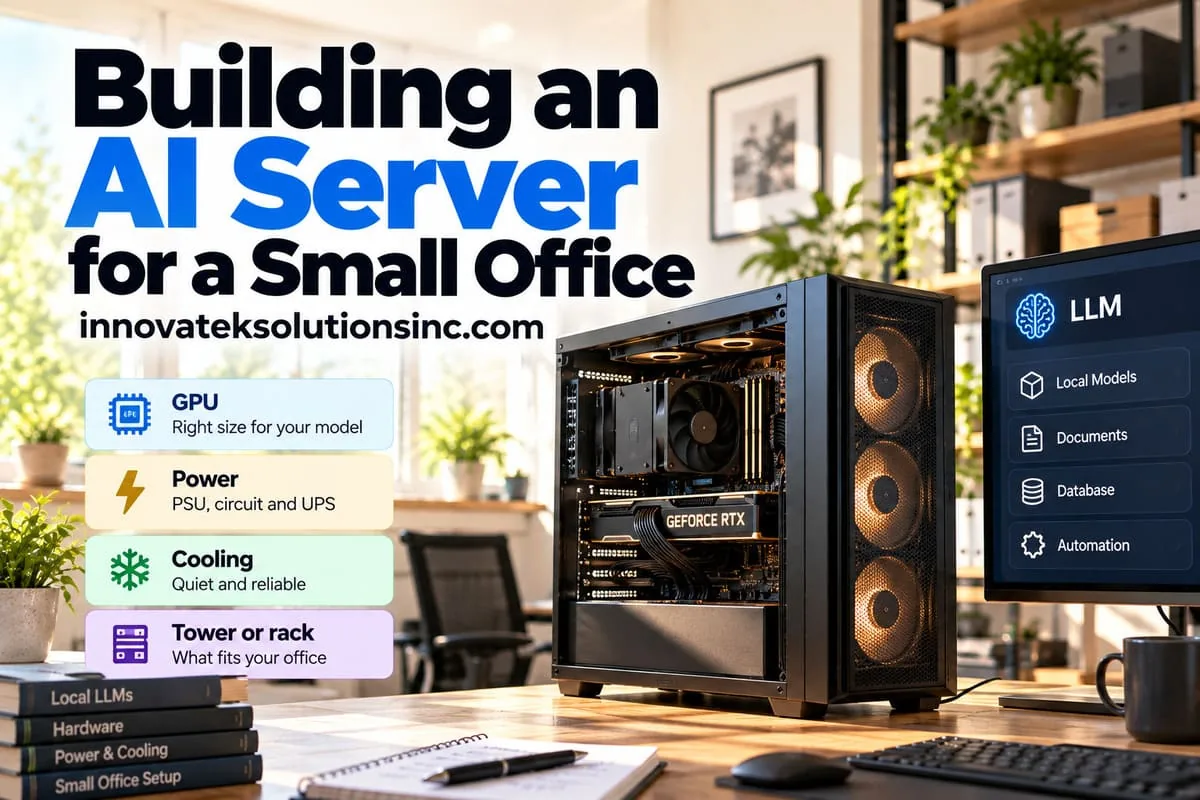
A standard US office outlet sits on a 15 amp, 120 volt circuit: 15 x 120 = 1,800 watts at the breaker, and the usual rule for a load that runs for hours is to stay at or under 80 percent of that, which is 1,440 watts. A single top consumer graphics card can draw 575 watts on its own. That one number shapes most of the decisions in building an AI server for a small office, because an office without a server room has no dedicated circuits, no cooling and nobody who wants to hear a jet engine. What follows is the machine around the GPU, assuming the card has already been picked.
Tower or rack
Rack servers are built for rooms where nobody sits. A 1U or 2U chassis cools with small, fast fans whose whine carries through a closet door, and it needs a rack deep enough to hold it.
A tower workstation uses large, slow fans and is designed to sit next to a person. For an office with no server room it is usually the right call: it fits under a desk or on a closet floor, and parts are easy to find.
A rack starts to make sense in one of these cases:
- The office already has a network cabinet with spare depth and its own circuit.
- The plan calls for three or more GPUs, which most tower cases cannot cool.
- The machine will live at a colocation site or in a different building.
A middle option is a 4U chassis that stands upright as a tower and can move into a rack later.
Card size and airflow
Check the physical card against the case before ordering. NVIDIA lists the RTX 5090 Founders Edition as a two-slot card, 304 mm long, yet its case guidance recommends three unused expansion slots for airflow, and partner cards are often thicker and longer. Cooler styles are compared in the GPU buying guide; what matters for the case is that most consumer cards dump their heat inside it.
That puts the burden on the case: a mesh front panel rather than solid glass, large intake fans at the front, an exhaust at the rear, and removable dust filters. A closet floor collects dust fast, and a clogged filter slowly raises temperatures until the card throttles, so put filter cleaning on the calendar. Keep the tower off carpet and leave a hand's width behind the exhaust.
Power: the supply, the circuit and the UPS
The power supply
NVIDIA lists 1,000 watts as the required system power for the RTX 5090, measured on a Ryzen 9 9950X system, and notes the figure varies with configuration. A workstation-class card like the RTX PRO 6000 Blackwell Max-Q Workstation Edition is a dual-slot card rated at 300 watts maximum with 96 GB of memory, per NVIDIA's spec page, which changes the whole power picture. Choose a supply with a native cable for the card's power connector rather than an adapter chain, and seat it fully with no sharp bend near the plug. Size the supply so normal load sits around half to two thirds of its rating. That keeps it efficient and keeps its fan slow.
The wall circuit
Estimate the draw at the wall, where losses in the power supply add to it. An illustrative build:
| Component | 575 W card build | 300 W card build |
|---|---|---|
| GPU at full load | 575 W | 300 W |
| CPU under load | 200 W | 200 W |
| Drives, fans, board, RAM | 100 W | 100 W |
| Subtotal (DC side) | 875 W | 600 W |
| At the wall, assuming 90% efficiency | 875 / 0.9 = about 970 W | 600 / 0.9 = about 670 W |
The CPU and "everything else" lines are placeholders; use the parts actually chosen. Against the 1,440 watt budget, the 575 watt build leaves about 470 watts for everything else on that circuit, which a laser printer warming up or a space heater can use up. The 300 watt build leaves about 770 watts.
Before the machine goes in, find out which outlets share the breaker. If the numbers are tight, a dedicated 20 amp circuit is a small electrical job. Have a licensed electrician confirm the load against local code. The full method for heat and electricity cost is in power and cooling for an on-premise AI server.
The UPS
A battery backup only needs to carry the load for the few minutes a clean shutdown takes, so databases and indexes are not corrupted. Two things to check:
- The UPS watt rating, which is lower than its VA rating, must exceed the wall draw from the table above.
- Output waveform. CyberPower's product material warns that the brief gap in a simulated sine wave during transfer to battery can shut down power supplies with active power factor correction, which most modern efficient units have, and positions its pure sine wave models for them. Not every pairing fails, but pure sine wave removes the question.
Connect the UPS to the server by USB or network so the operating system receives the "on battery" signal and shuts down on its own.
Noise and placement
Under sustained load a GPU fan is the loudest thing in most offices, and overnight batch jobs keep it there for hours. Placement options, from best to worst:
- A closet or storage room with a door, some air exchange and nobody working inside. Check that heat can leave: a 670 watt machine is a 670 watt heater, running all day.
- Under a desk in a low-traffic corner, away from meeting rooms.
- On an open office floor next to people. Workable for a 300 watt card, uncomfortable for a 575 watt one.
A closet with a solid door and no vent will heat up until the GPU throttles. A louvered door or a small exhaust fan to the ceiling space often fixes it.
Storage for models
A 4-bit file is roughly half a gigabyte per billion parameters, so a 30B model is about 15 GB on disk and a 120B model about 60 GB; the same arithmetic drives how much VRAM a model needs. Keeping the current model, the previous one for rollback, an embedding model and a couple of candidates under test adds up to a few hundred gigabytes quickly.
A sensible layout:
- System drive: a 500 GB to 1 TB NVMe SSD for the operating system and software.
- Model drive: a separate 2 TB or larger NVMe SSD. Fast storage matters at load time, when a model is read into GPU memory, and when switching between models.
- Data and backups: document stores, vector indexes and chat history belong on a drive that is backed up off the machine. Model files can be downloaded again; the office's own data cannot.
Most runtimes let the model directory be moved. Ollama, for example, stores models under /usr/share/ollama/.ollama/models on Linux by default, and the OLLAMA_MODELS environment variable points it elsewhere, according to the Ollama FAQ.
Network placement
Use wired Ethernet, not Wi-Fi. Gigabit is plenty for chat traffic; bandwidth only matters when copying model files or large document batches.
Give it a fixed address, either a static IP or a DHCP reservation on the router, and a local DNS name such as ai.office.lan, so staff and integrations do not break when it reboots.
Then decide who can reach it. Ollama binds to 127.0.0.1 on port 11434 by default, which means only the machine itself can connect. Opening that to the whole network with no authentication lets anyone on the LAN use the model. Put a reverse proxy with logins in front of it and keep the inference port closed to everyone else; the details are in securing a local LLM server. Never forward the port through the router to the internet.
Remote management
Often no one on site can press the power button, so plan for the day the operating system hangs.
- Most server motherboards include a baseboard management controller (BMC), a small separate computer with its own network port. It offers remote power control, a remote screen and console, and hardware sensor readings, even when the main system is off.
- Business desktops with Intel vPro include Intel AMT. The Linux kernel documentation lists remote power on and off, built-in hardware KVM and hardware monitoring among its uses, working even when the operating system has crashed. Intel's guidance is that the AMT KVM works only through the processor's integrated graphics, and the lower Essentials tier of vPro leaves it out, so check both the processor and the vPro tier before relying on it.
- Any other machine can get similar control from an external KVM-over-IP device. PiKVM is an open-source option built on a Raspberry Pi that captures the video output, emulates a keyboard and mouse, and can wire into the motherboard's power and reset pins.
Whichever is used, put the management interface on its own network or behind the office VPN, never on the open internet, and change the default password on day one. A UPS with a network card adds the ability to power-cycle the whole machine remotely as a last resort.
Decide in this order: confirm the circuit can carry the wall draw, pick a spot that keeps heat and noise away from people, then choose a case that fits both the card and that spot.
Frequently asked questions
Does the server need to run around the clock?
Not necessarily. An idle GPU server still draws power and makes some noise, so an office that only uses it in working hours can shut it down at night. Wake-on-LAN, a BMC or Intel AMT can power it back on remotely, and most motherboards have a firmware setting that wakes the machine at a set time each morning. Overnight batch work is the usual reason to leave it on.
Is a gaming PC good enough as an office AI server?
Often, since the core parts are the same. The usual gaps are remote management and parts chosen for looks rather than quiet sustained load; a KVM-over-IP device, a pure sine wave UPS and a second SSD close most of them.
Does the server need Linux?
No, but most inference software is developed and tested on Linux first, and drivers, containers and remote administration are simpler there. Windows works for one user; for a shared service that runs unattended for months, Linux is the more common choice.
How long should the UPS battery last?
Long enough to shut down cleanly, which for most servers is a few minutes. Riding out a long outage needs far more battery and rarely makes sense, since the staff using the server are likely to lose power too. Test the shutdown signal once after installation by unplugging the UPS from the wall.
Ready to Modernize Your Business?
Get your AI automation roadmap in minutes, not months.
Analyze Your Workflows →